AI classes for kids 7–14 · taught by a kid

Hi, I'm Amelia Samimi. I'm 11, and I build real businesses.

I've published two coloring books on Amazon, built websites for paying clients, and made 1,000+ sales. Now I'm teaching other kids how to use AI tools to make things, not just scroll past them.

Level 1 class: Dec 21–23, 10 AM–12 PM PST6 hours of AI in 3 daysLive on ZoomLevel 1 certificateParent-approved tools
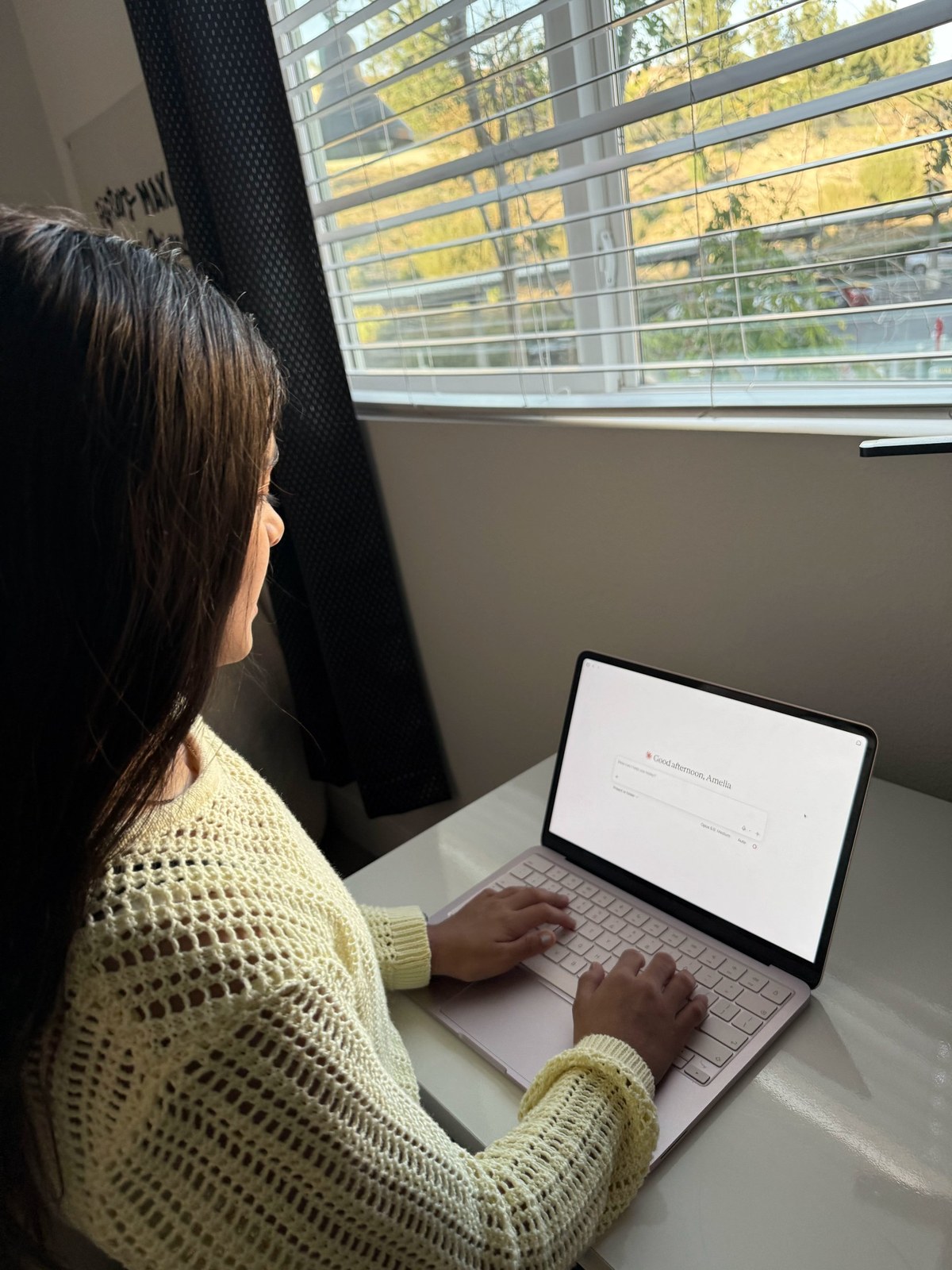
Amelia working on her laptop
1,000+sales across my books & shop
2coloring books published on Amazon
Multiplebusinesses launched before age 12
Paidwebsites & logos for real clients
My story

Most kids use AI to do homework. I use it to help me start companies.

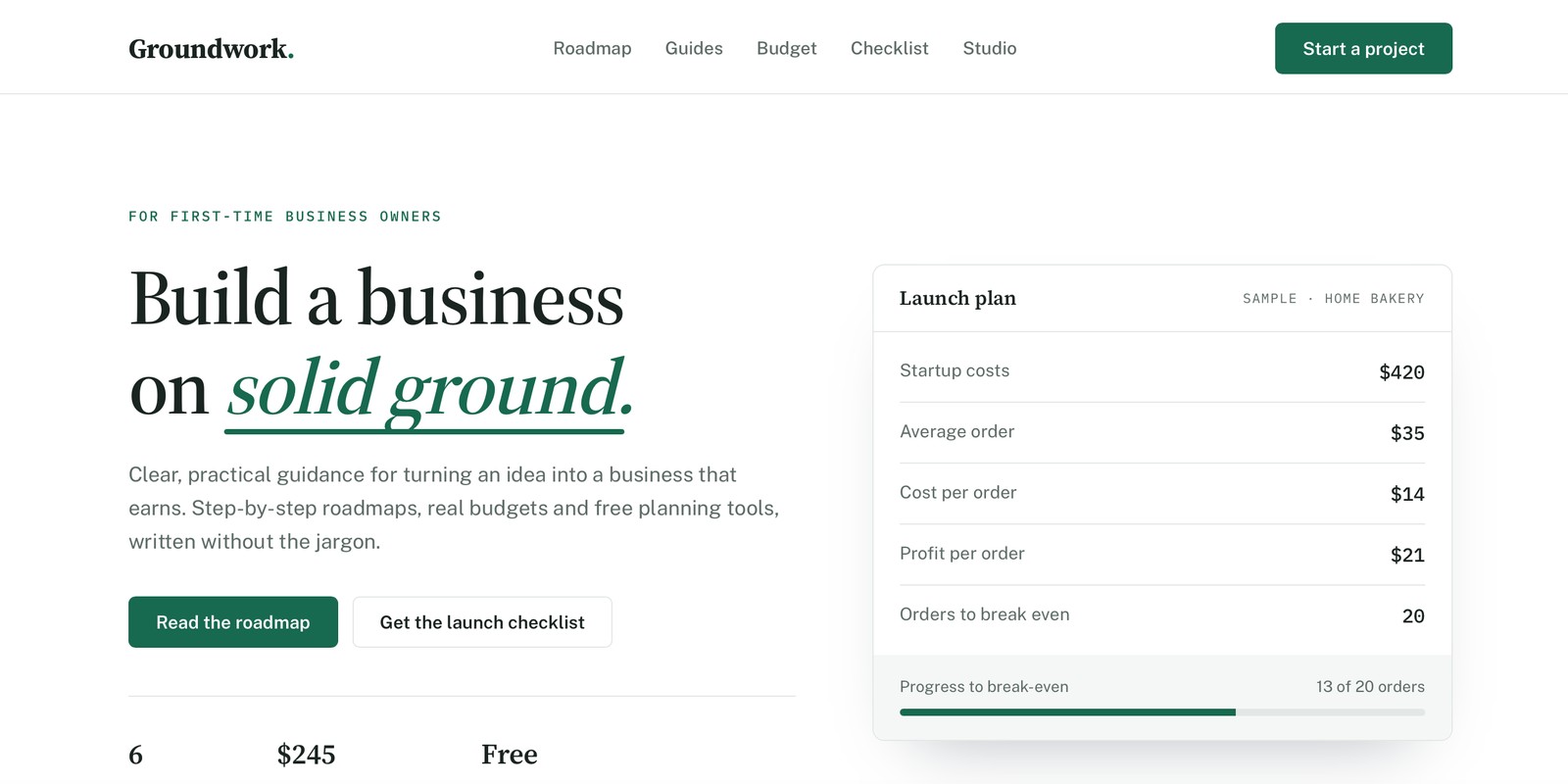
It started with web design. I got really into it (and I still am!), and soon I was designing websites and logos for real businesses. That taught me to listen to what a client needs, design something they're proud of, and deliver it on time.

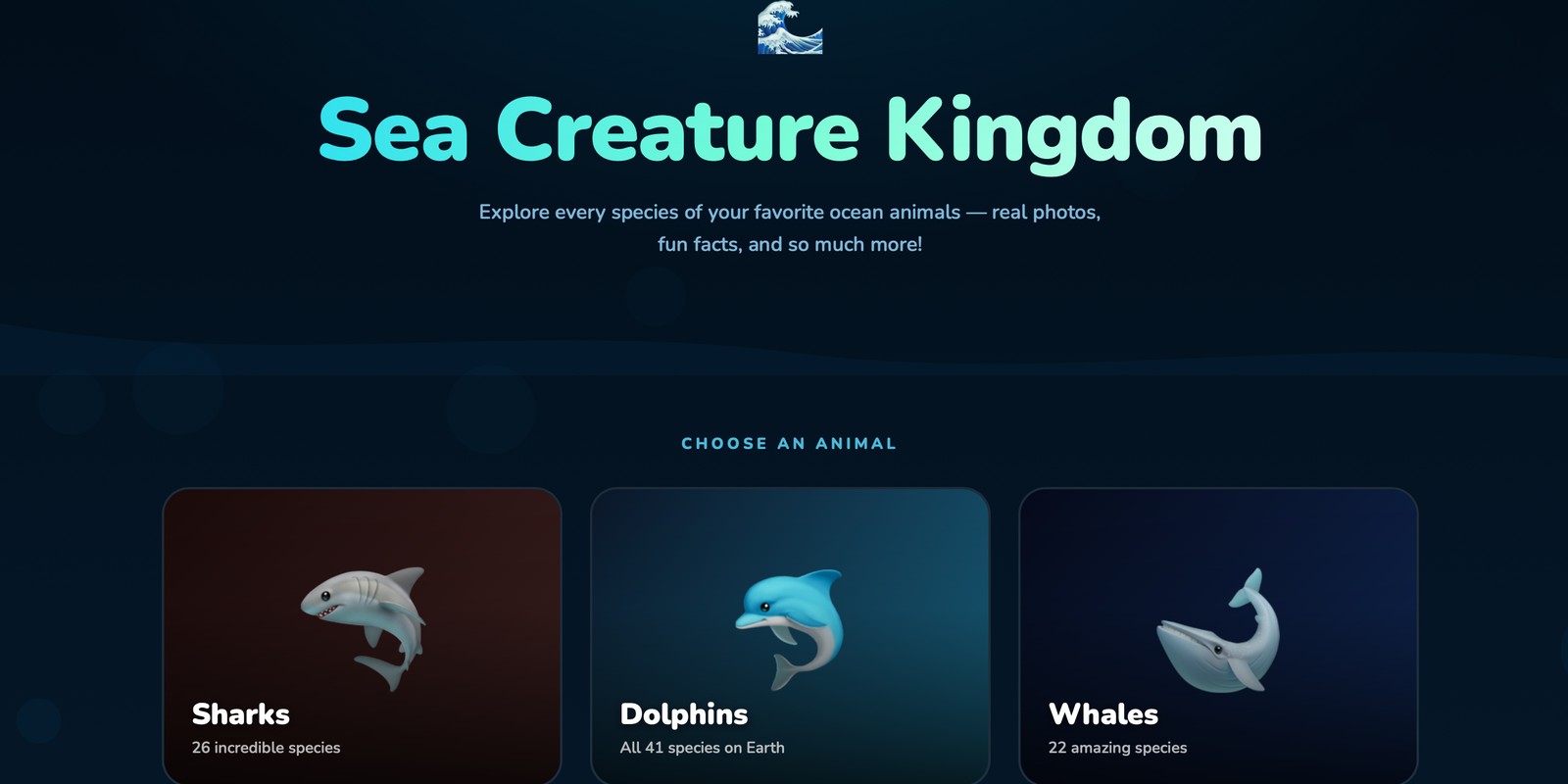
Next, I built Sea Creature Kingdom, my own ocean-animal website with a blog, a quiz and an online shop. Then I published two coloring and activity books on Amazon, Bored on the Plane? and Stuck Inside?, and learned how to price, market and sell them.

Along the way I learned something a lot of grown-ups are still figuring out: AI is a tool, not a shortcut. The ideas, the decisions and the hard work are mine. AI helps me research, brainstorm and check my work, and I always stay in charge.

— and now I want to show other kids how.

Business #1

Websites & logos for real businesses

I got really into web design, and before long people were asking me to build websites and logos for them. I've had great sales and met some really nice customers along the way.

Business #2

Sea Creature Kingdom

A whole website about 90+ ocean species (sharks, dolphins, whales and sea turtles) with a blog, a quiz and a shop for plushies and stickers.

Business #3

My coloring books on Amazon

I designed the pages, put the books together and published them. My first one is Bored on the Plane?, and my second one is Stuck Inside?, a winter coloring & activity book.

Now

Wonderbit

I turned everything I've learned into Wonderbit Level 1, a 3-day class where kids build real things with AI.
Proof, not promises

Some of my most popular work

A few of my favorite projects, out of many. Click through, they're all live.

For parents

Your kid is going to use AI. The question is how.

AI is already in their homework, their games and their friends' phones. Kids who learn to build with it get confidence, creativity and real skills. Kids who don't just consume it.

How most kids use AI

  • Copy-paste homework answers
  • Believe whatever it says
  • Endless chatting with nothing to show for it
  • Parents have no idea what's happening

How I teach it

  • Use AI to make things
  • Ask better questions and fact-check the answers
  • Share ideas, team up and cheer each other on with other kids
  • Parents see exactly what their kid built
The class

Wonderbit Level 1: 6 hours of AI in 3 days

Level 1 class: December 21–23, 10 AM–12 PM PST each day

1

Day 1: Get to know each other + AI quiz

We start by getting to know each other. Then we play a Blooket quiz about AI to see how much everyone already knows, and look at our accuracy together.

Takes home: new friends and their starting AI score
2

Day 2: AI fluency

Learn how to use AI creatively, smartly and safely: how it works, how to write great prompts, how to spot when it's wrong, and what never to share.

Takes home: AI skills for school, creativity and fun
3

Day 3: Design a research collage

Pick your favorite things and design a research collage about them, using AI to help you research and check the facts. Then share it with the class and graduate.

Takes home: their research collage & certificate
Part 1Learn (35 min)
BreakSnack & stretch
Part 2Build (35 min)
BreakSnack & stretch
Part 3Share (35 min)
3 live Zoom classesBuild with other kids6 hours of AI: 2 hrs a day + 2 breaksParent recapLevel 1 certificate
Level 1Wonderbit: start hereOpen now
Level 2Coming soon
Level 3Coming soon
Level 4Coming soon

…and many more levels beyond Level 4 are on the way.

Safety first

Built for parents to say yes to

🛡️

Parents stay in control

We show you which tools we use and how to set them up on a parent's account, following each tool's age rules. Kids never need to make their own accounts.

🔒

No personal info, ever

The first thing I teach is what not to share with AI: names, addresses, school, photos. Kids learn privacy habits that last.

👀

Supervised & transparent

An adult moderates every class. You get a recap of what was taught and what your kid made.

Join a class

Start with Level 1

Sign up quick before spots fill up!

Wonderbit Level 1

$250 USD
One-time fee · 6 hours of AI in 3 days · 2 hrs/day on Zoom · ages 7–14

Level 1 class: December 21–23, 10 AM–12 PM PST each day

  • 3 live Zoom classes with me
  • 2 hours a day: 3 parts with 2 breaks
  • Meet and build with other kids
  • A finished research collage to keep
  • Parent recap
  • Wonderbit Level 1 certificate

Save my kid's spot

It takes 30 seconds. We'll email you how to pay and the Zoom link.

Parent's details only, please.

This is the name that goes on their certificate.

By signing up you confirm you're a parent or guardian 18+.

🎉

You're on the list, friend!

We'll email you how to pay and the Zoom link for December 21–23, 10 AM–12 PM PST each day.

Preview mode: sign-ups are saved once this page is deployed on Netlify (Forms is already wired up).
Questions parents ask

FAQ

Is it really taught by an 11-year-old?

Yes, I teach every class! Kids learn best from someone just a few steps ahead of them. A parent or guardian moderates each class and handles scheduling, payments and emails.

How much does it cost?

$250 USD, one time. That covers 3 live days on Zoom with me, a research collage and a certificate.

How long is the class?

Level 1 is 3 days. Each day is a 2-hour live Zoom class in 3 parts, with 2 short breaks. The Level 1 class is December 21, 22 and 23, from 10 AM to 12 PM PST each day.

What's Level 1?

It's the starting level. Kids who finish get a Wonderbit Level 1 certificate. Levels 2, 3 and 4 are coming next, with many more levels after that. Each one builds on the last.

Does my kid need their own AI account?

No. Most AI tools have minimum ages, so kids work through a parent's account with a parent nearby.

What do we need?

A laptop or desktop computer, internet and Zoom.

Will this help or hurt schoolwork?

I teach kids to use AI to create and learn, not to cheat. Fact-checking, asking good questions and doing your own thinking are part of every class.

I got a head start. I want to give your kid one too.

Save a spot in the Wonderbit Level 1 class, December 21–23.